
Why FamiFotos
Old family photos need more than a photo app.
Every family has a box of old photographs. Here’s why they’re so hard to look after, why the usual photo apps don’t quite do the job, and what FamiFotos does differently.
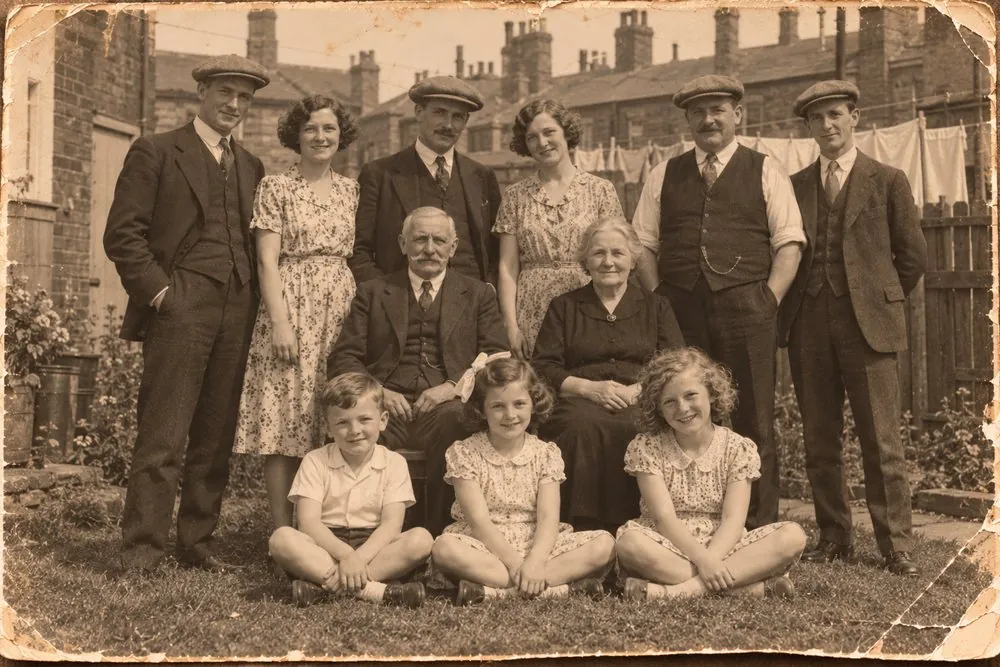
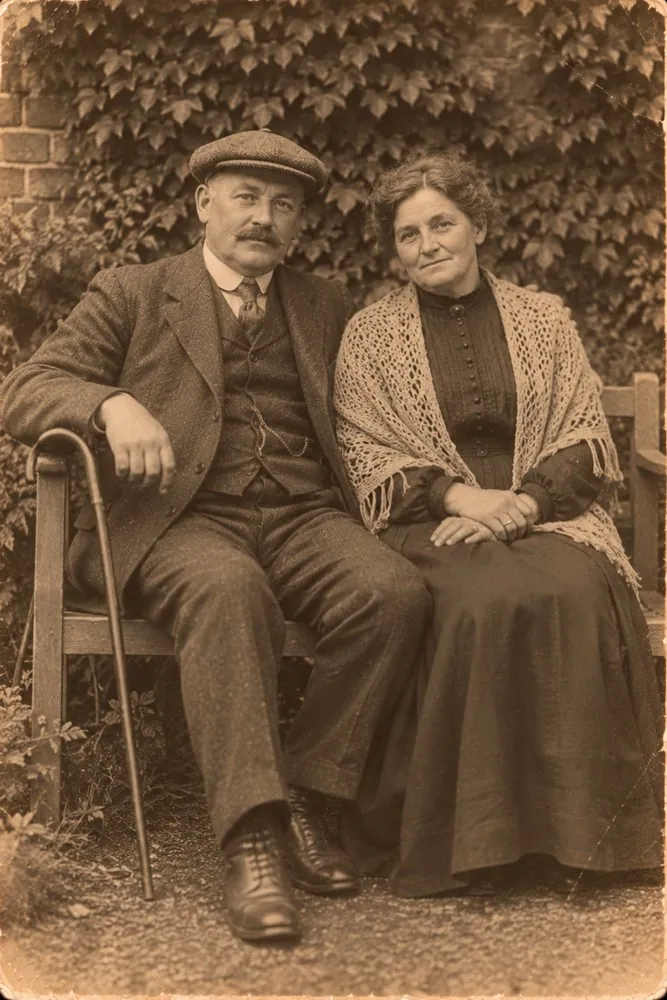
The problem
Five things that go wrong with every family’s photos
The photos are everywhere
Shoeboxes in the loft, scans on the computer, pictures on Facebook and WhatsApp, uploads to Ancestry. Often the same photo three times, each knowing something the others don’t.
Nobody knows who’s in them
The people who could name everyone are getting older, or are already gone. The names are in their heads, not on the photos, and a picture without names is a picture of strangers.
Nobody knows when they were taken
Scan a 1920 wedding photo today and your computer says it was taken today. The real date is in the clothes, the card mount, the writing on the back and the lives of the people in it.
Fronts and backs drift apart
The back of a print is often the most valuable part: a name, a date, a studio’s stamp, a message. Scanned separately, the back is the one that gets lost.
Documents live somewhere else
Certificates, memorial cards, letters and cuttings belong with the photos of the same people, but end up filed separately, unconnected to anyone in your tree.
Photo apps
Why the standard apps don’t quite cut it
Apple Photos and Google Photos are excellent at what they were built for: your own phone pictures, taken yesterday, of people who are alive. Old family photographs ask different questions.
Family history sites like Ancestry and Findmypast are wonderful for building a tree and finding records, but they aren’t designed to be the home for your photo collection. Getting your own pictures back out is slow, and only some of what you know about each one travels with it.
| Question | Everyday photo apps | FamiFotos |
|---|---|---|
| Your family tree | Recognises faces, but has never heard of your tree | Brings in your tree and checks every name against it |
| Date of a scanned photo | Uses the file’s date: the day you scanned it | Works it out from who’s in it and what’s written on it |
| Names and captions | Mostly kept inside the app’s own library | Saved inside the photo file, so they travel with it |
| Why it’s believed | Nowhere to record it | Every date and name can carry its evidence |
| If you stop using it | Your work can be hard to get back out | Nothing to lose: it’s all in ordinary files you own |
Losing access
What if you can’t get into the account?
It’s a real worry, and a reasonable one. A family archive is meant to last for generations. It shouldn’t depend on one company, one subscription or one password.
Google’s photo organiser, used by millions of family historians, was shut down in 2016.
Flickr cut its free accounts to a thousand photos in 2019 and deleted the rest.
Subscriptions lapse and sign-ins get forgotten. When the account holder dies, the family often can’t get in at all.
The answer
How FamiFotos answers this
Built for old family photographs from the start, and built so your work outlives the app.
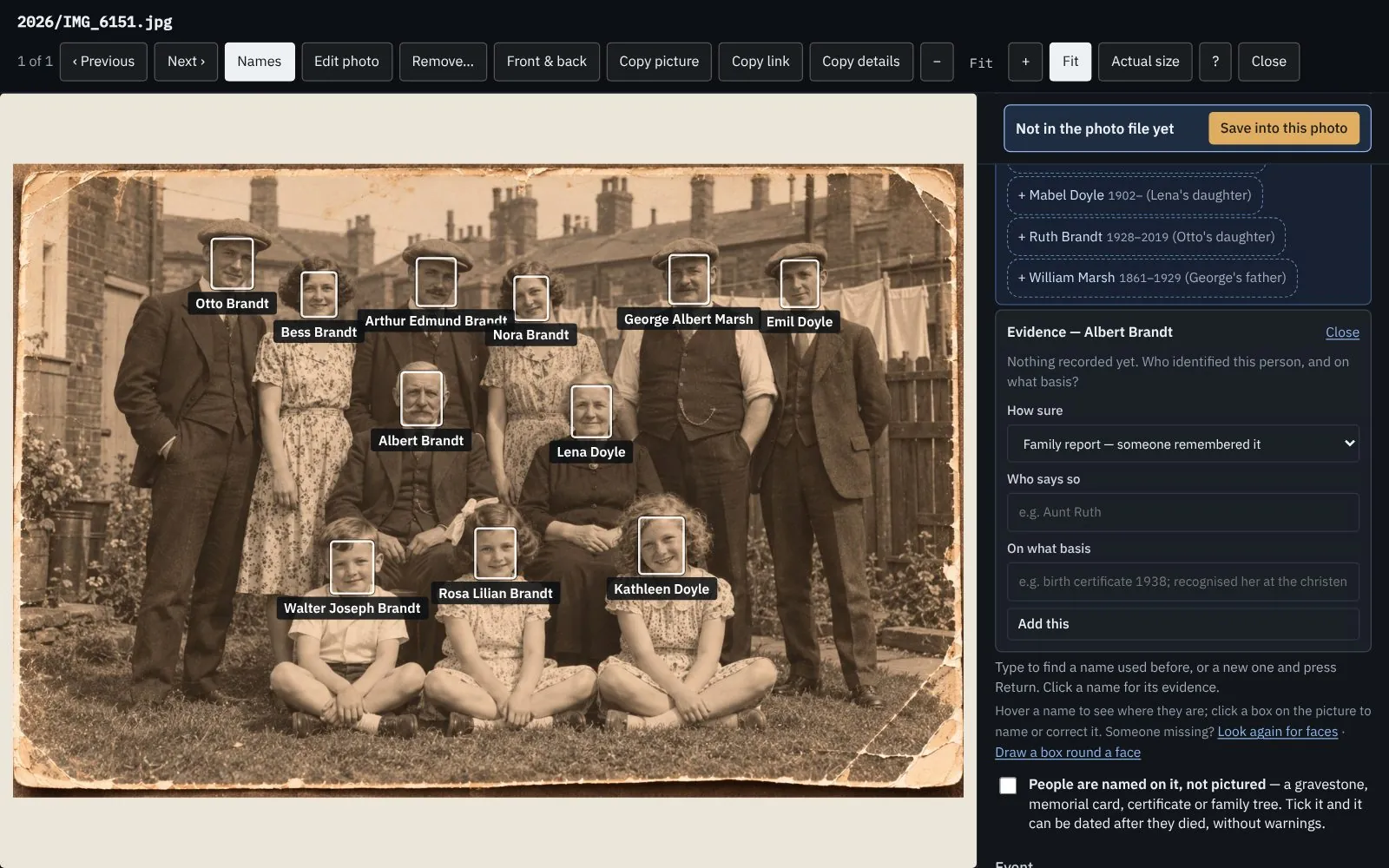
Your photos stay in a folder you choose
On your Mac or your own iCloud Drive, as ordinary picture files. No FamiFotos account, no cloud of ours.
What you know goes into the file
Names, dates and descriptions are saved where Apple Photos, Google Photos, Lightroom and Windows all read them.
It knows your family
It dates photos from the people in them, suggests who else is there, and catches names that can’t be right.
It keeps the evidence
Every date and name can say where it came from and how sure you are.
It makes a legacy package
One folder anyone can open in fifty years, without FamiFotos, an account or a subscription.
If you stopped using FamiFotos tomorrow, you’d lose nothing. That’s the point.
FamiFotos for Mac
£59.99, one payment, with a 7-day free trial and every feature included.