Faces, named once
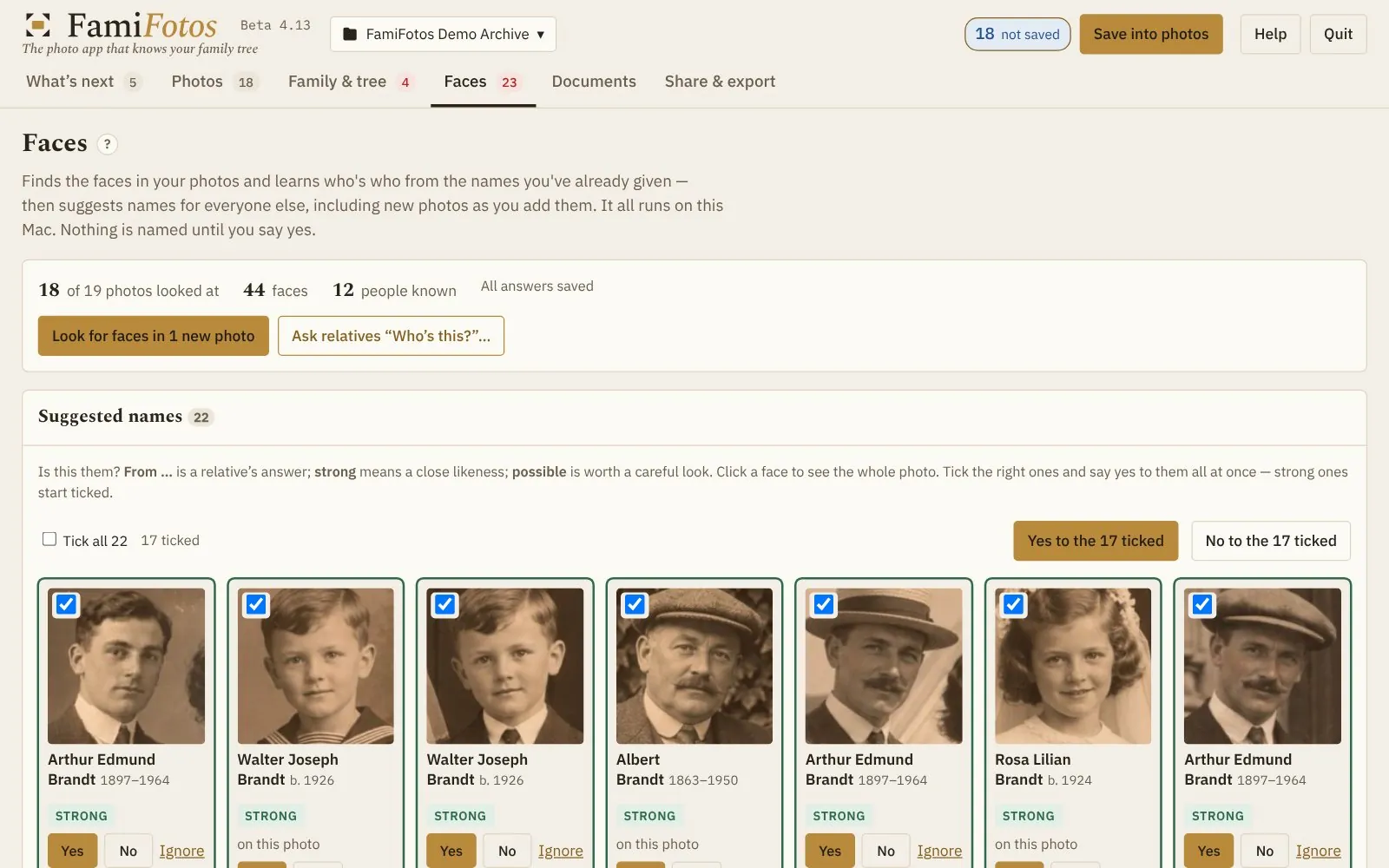
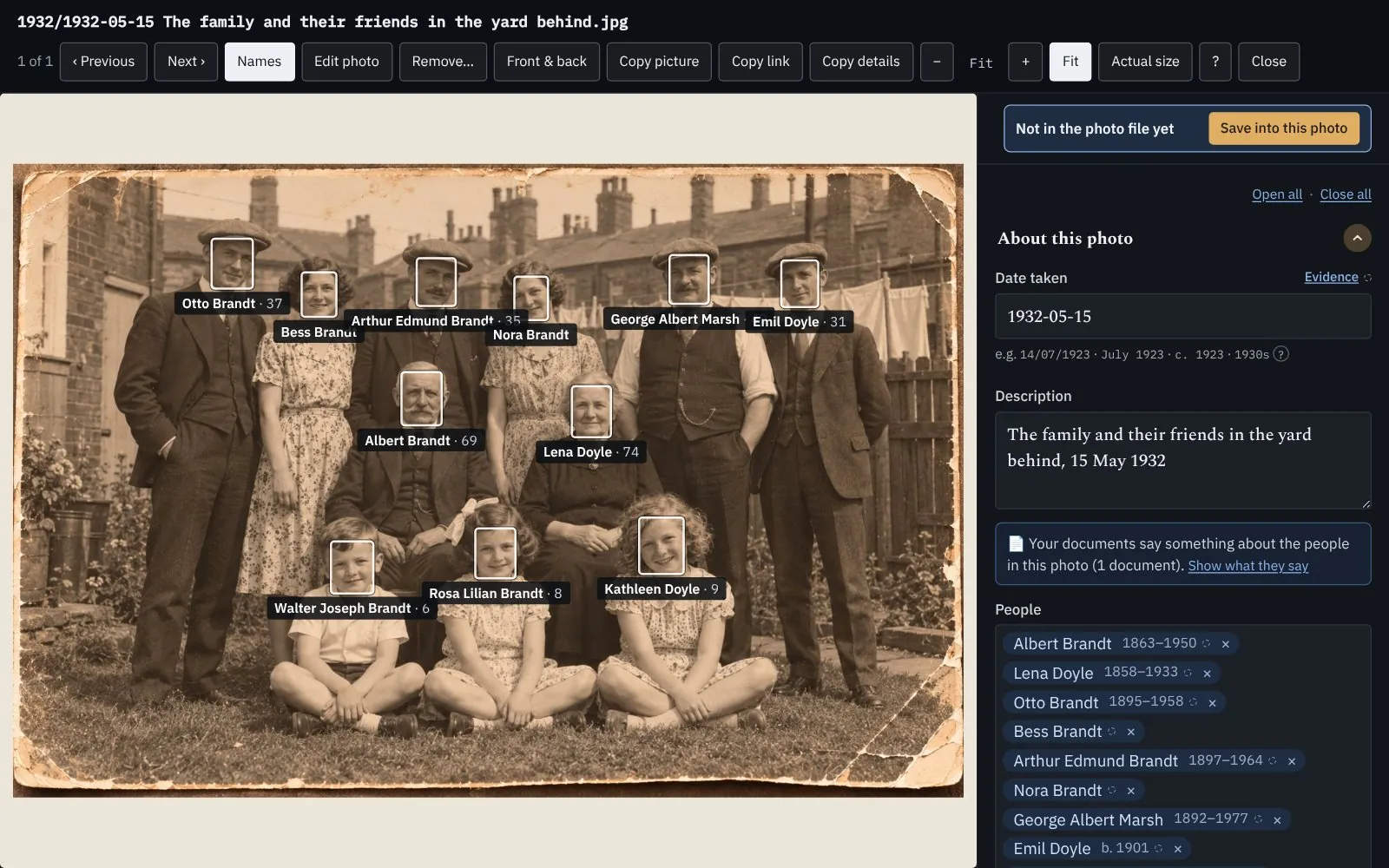
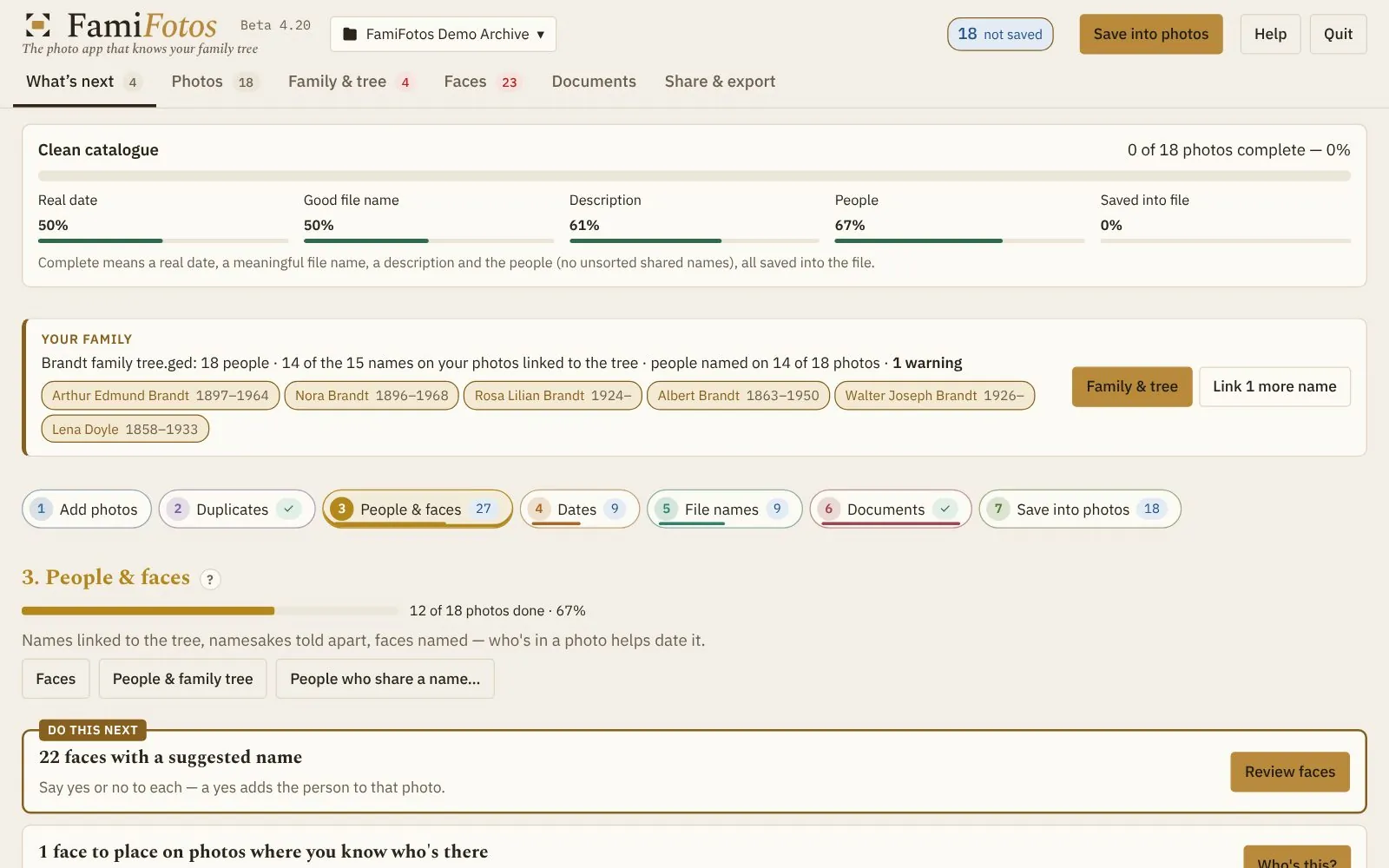
Name someone in one photo and FamiFotos suggests them in the others. Bring in the names you’ve already given in Apple Photos.
For Mac · Your family’s photo archive
We all have a box of old photographs. FamiFotos is the photo app that knows your family tree: find out who’s in them and when they were taken, build them into your family’s story, and hand it on in a form that outlives any app, including this one.
Free for 7 days, with everything included · Needs macOS 12 Monterey or later · £59.99
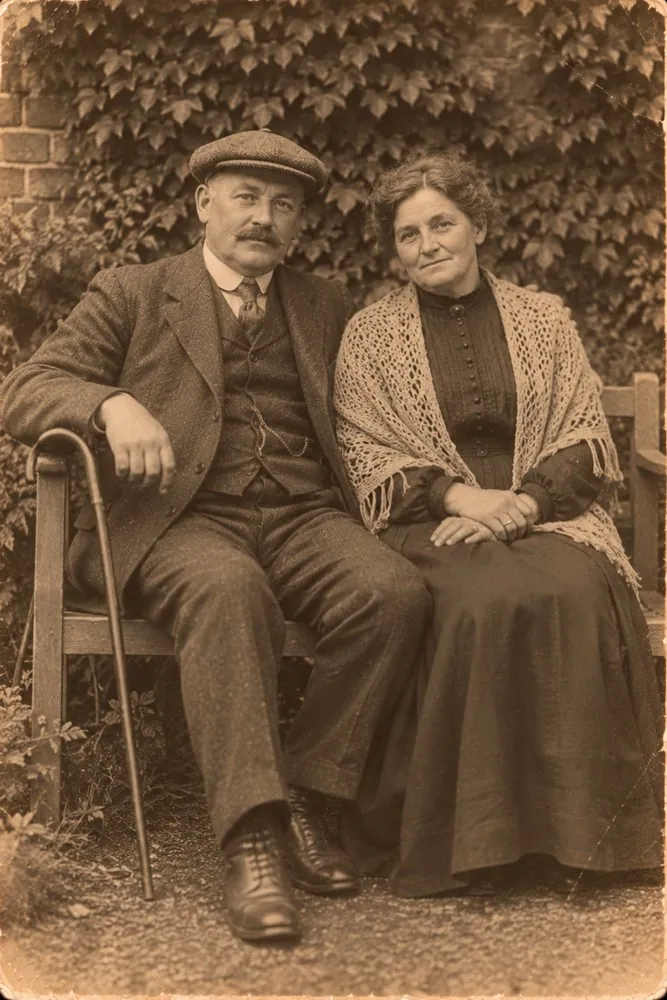 Albert & Clara Brandt · c. 1912
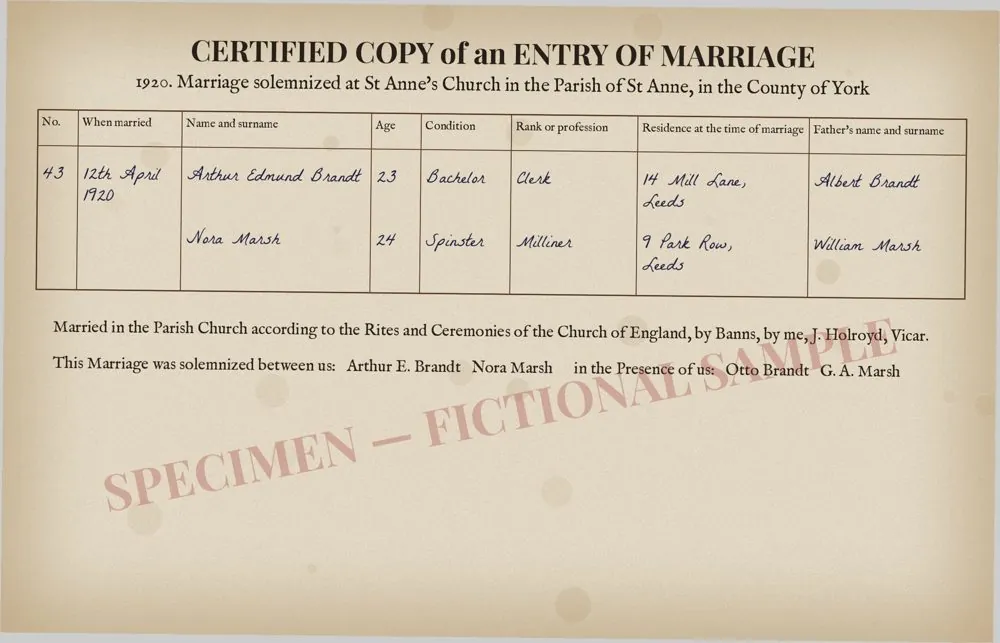
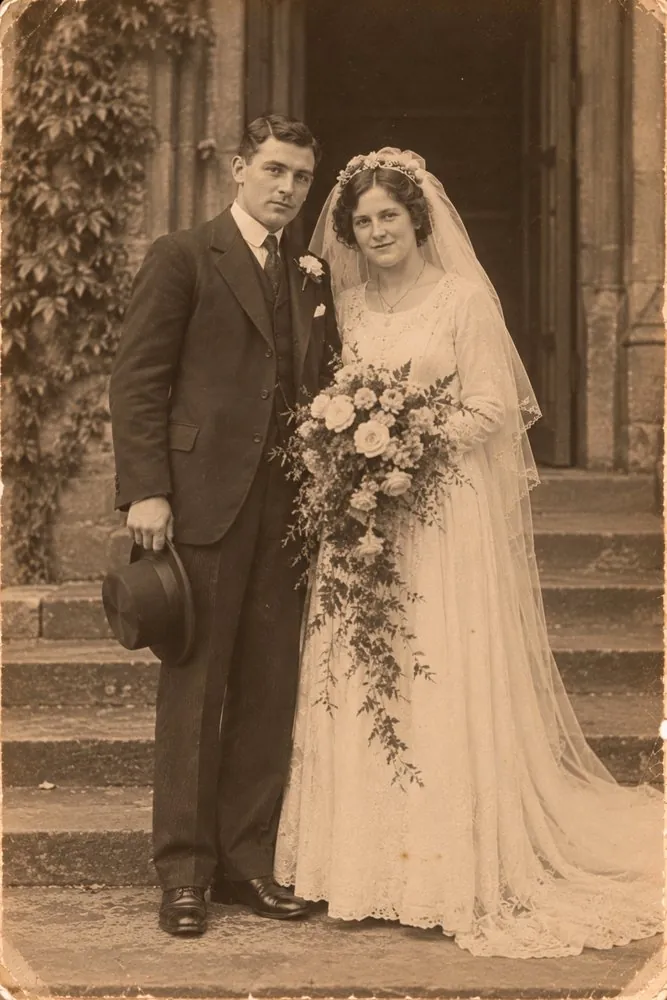 Arthur & Nora’s wedding · 12 April 1920
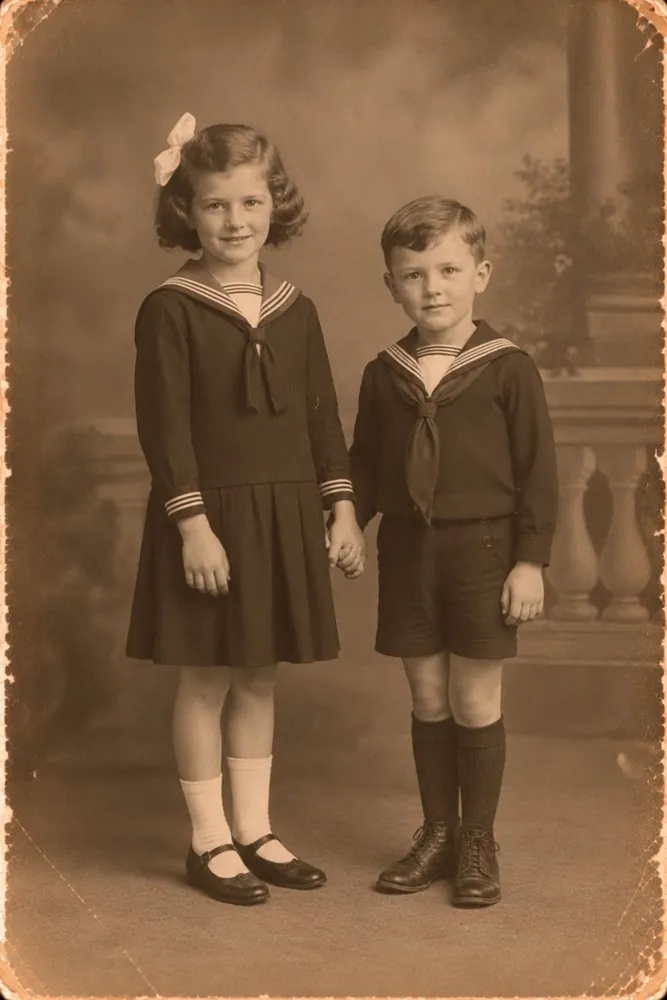 Rosa Lilian, 7 & Walter, 5 · c. 1931
Why FamiFotos
FamiFotos finds the faces, learns the ones you name, and suggests the rest. The ones nobody knows go on a single page you can email to relatives — their answers come straight back in.
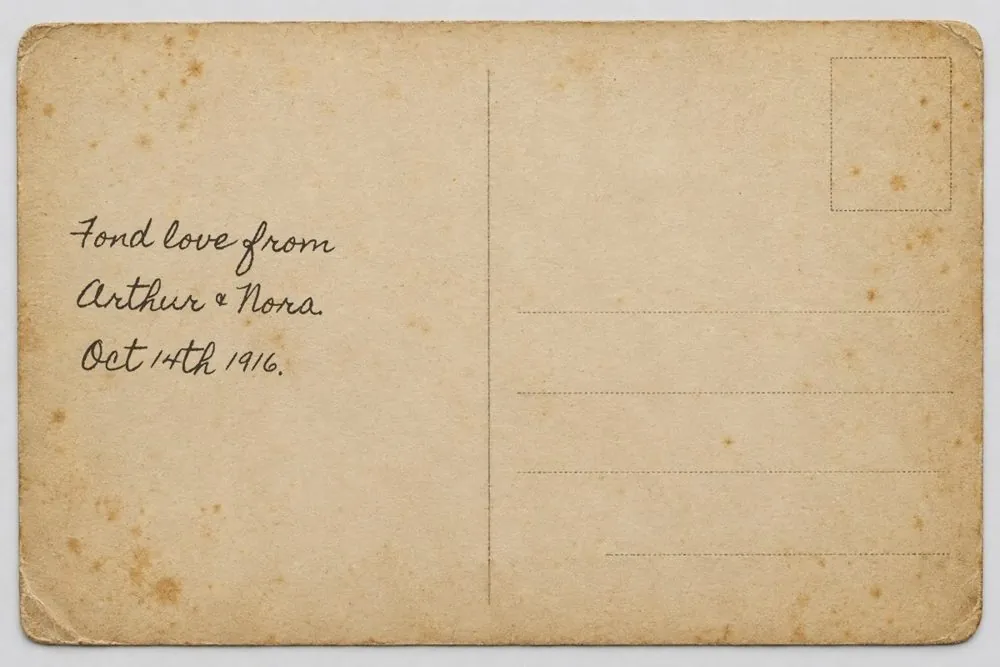
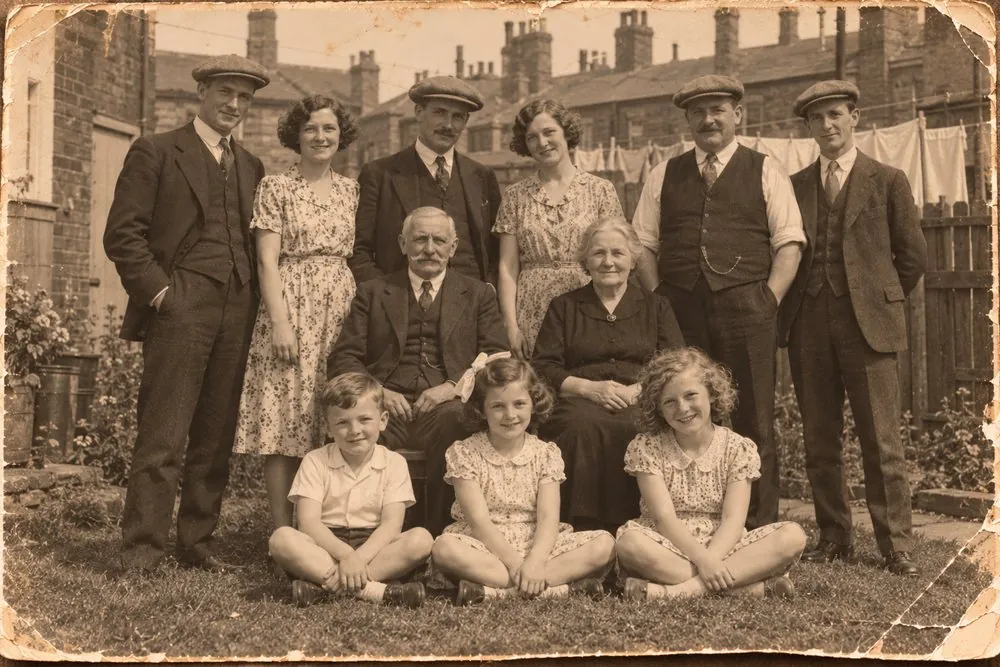
No date on the back? The people in it narrow it down. If Lena died in 1933 and Walter was born in 1926, the photo of them together was taken in between — and FamiFotos works that out for you. How to date an old photograph
Names, dates and stories are written into each picture file, in the standard places other apps read. Copy a photo anywhere and what you know about it goes with it.
The difference
Bring in your tree from Ancestry, Findmypast or any family history site (here’s how to download it), or build a simple one in FamiFotos. Then every photo knows its people.
How it works
Use your phone or a scanner — the backs and the documents too. Don’t worry about cropping or straightening.
From an album in Apple Photos or Google Photos, a folder, or a PDF. FamiFotos keeps one tidy copy of each photo in an archive folder you choose.
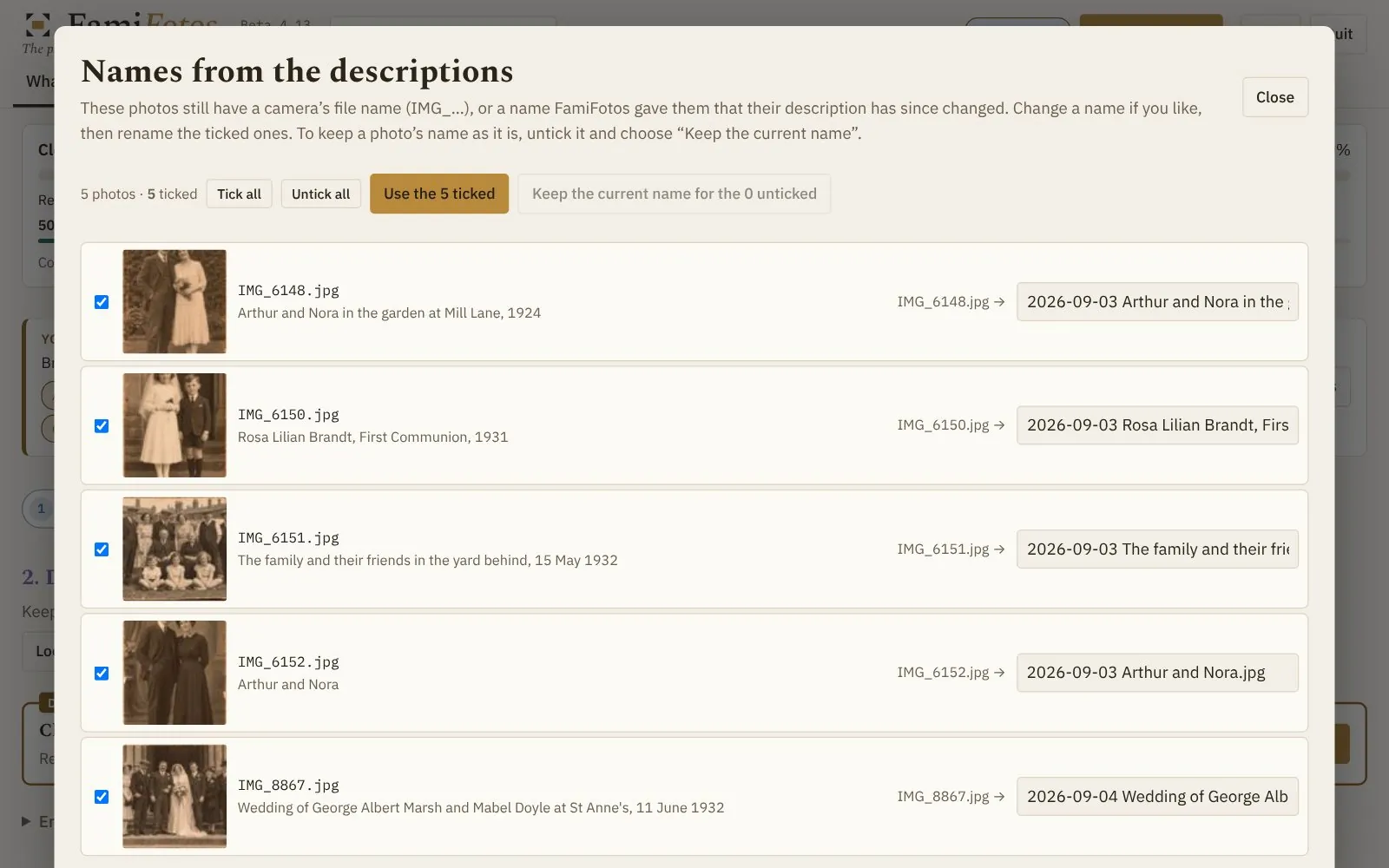
Each card does the next useful job. Nothing changes without you saying yes, and a question mark beside every step explains it in plain English.
Pass it on
FamiFotos works on the photos in a folder you choose. There’s no account to make and no cloud to trust. Nothing leaves your Mac unless you decide to share it — and when you do, you choose exactly what goes.
Pricing

7-day free trial, every feature included · Secure payment by Paddle, who handle VAT · 30-day money-back guarantee
Latest news
Questions
Something else? Email us — you’ll hear back from the person who makes FamiFotos.
No. Ancestry, Findmypast, MyHeritage and other family history sites can all export your tree as a GEDCOM file, which FamiFotos reads. No tree yet? Build a simple one in FamiFotos: just the people in your photos and the years they were born and died.
No. FamiFotos copies each photo into your archive folder and works on that copy. Your photos in Apple Photos, Google Photos or your own folders are never changed without asking, and the untouched original of any photo you edit is kept.
In an ordinary folder on your Mac that you choose — iCloud Drive works too. You can have more than one archive and switch between them.
Yes. Send them a Family link to open on any phone, share a page they can browse on a computer, or give them a legacy package on a drive. None of these needs FamiFotos or an account.
Any Mac running macOS 12 Monterey or later — Intel Macs and Apple silicon Macs (M1 and newer) alike. Try it free for 7 days to check it runs well on yours.
Not yet: FamiFotos is for Mac only. If you’d use it on a Windows PC, email support@famifotos.com and say so. Whether there’s a Windows version depends on how many people ask.
Yes, free. FamiPoster at famifotos.com/poster works in the web browser on any computer, Mac or Windows. Open a GEDCOM file from your family history site, or type your family in, add your own words and pictures, and save it as a PDF to print at A3, A2 or A1. Nothing is uploaded. In FamiFotos the same poster picks the faces from your photos for you.
Only if you choose. Sending to Google Photos and publishing a Family link happen only when you set them up, and photos of living people are left out unless you include them.